





























































Quick buttons
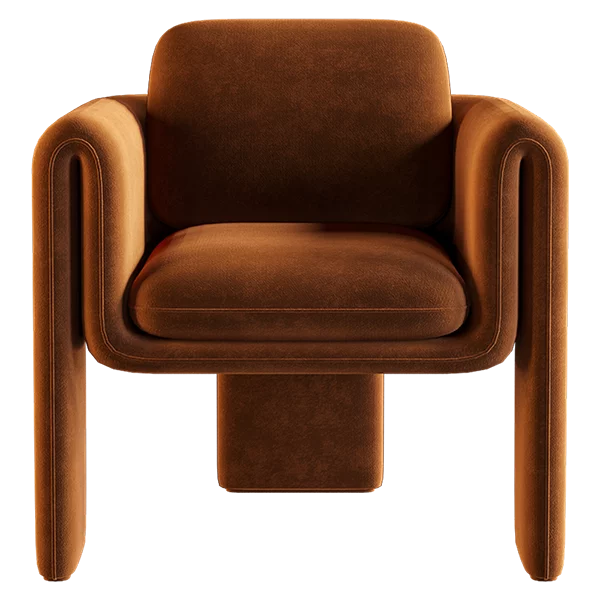
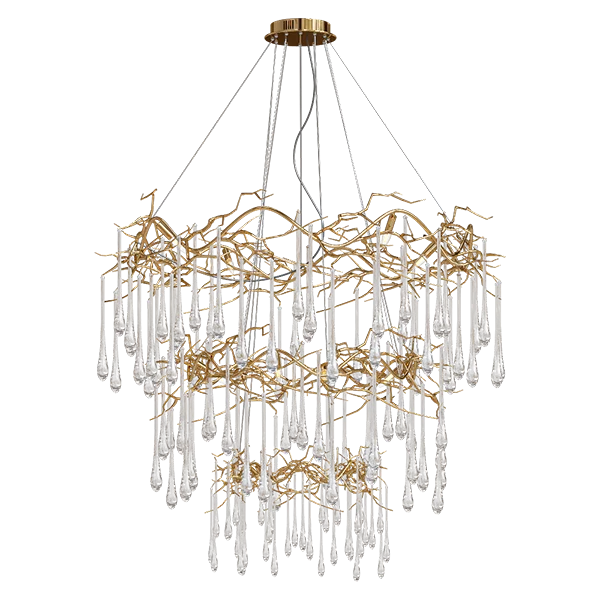
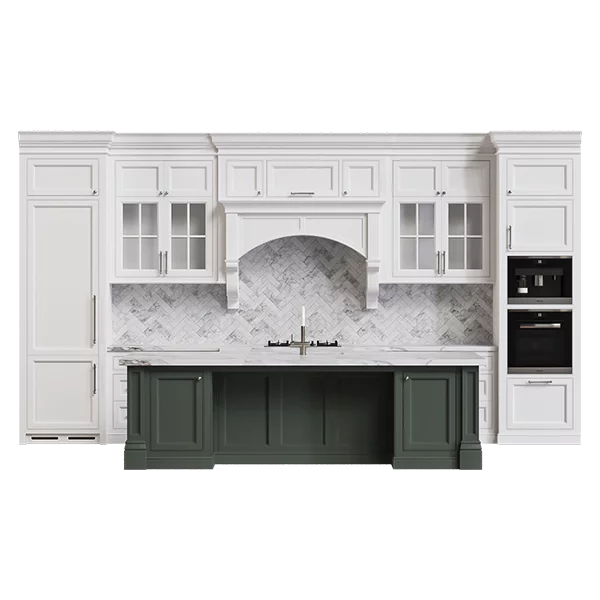
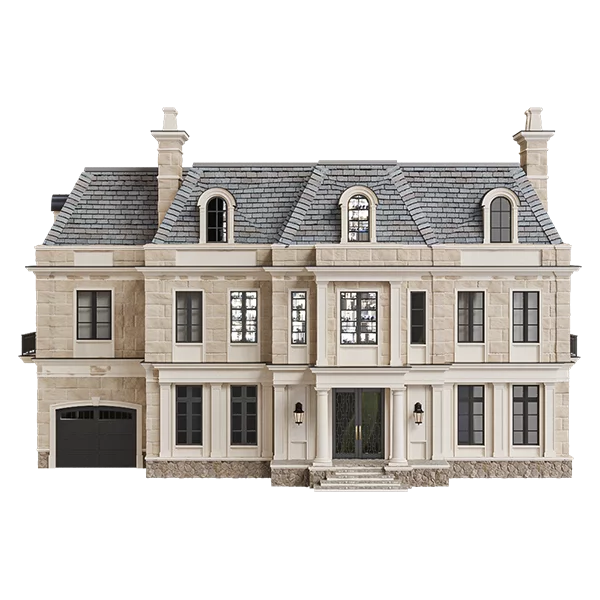
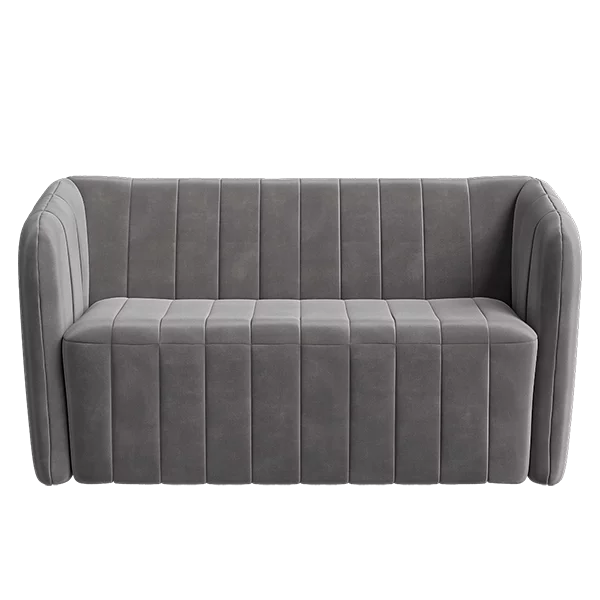
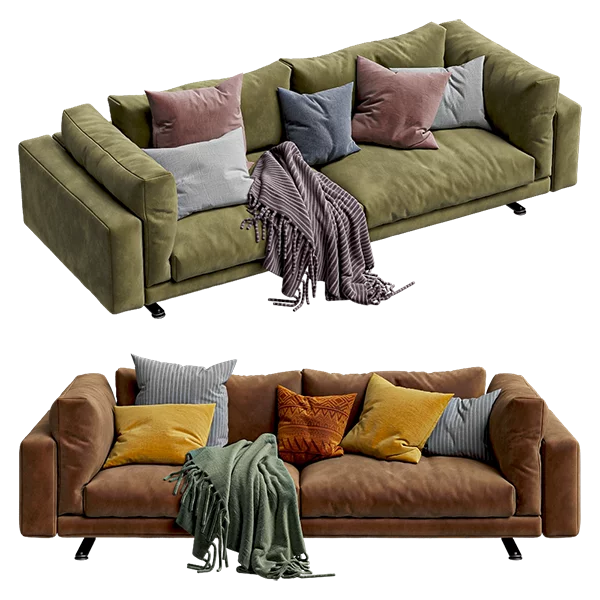
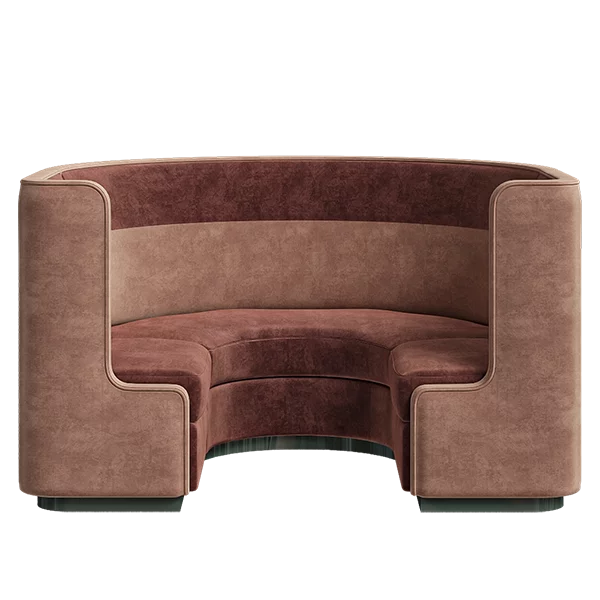
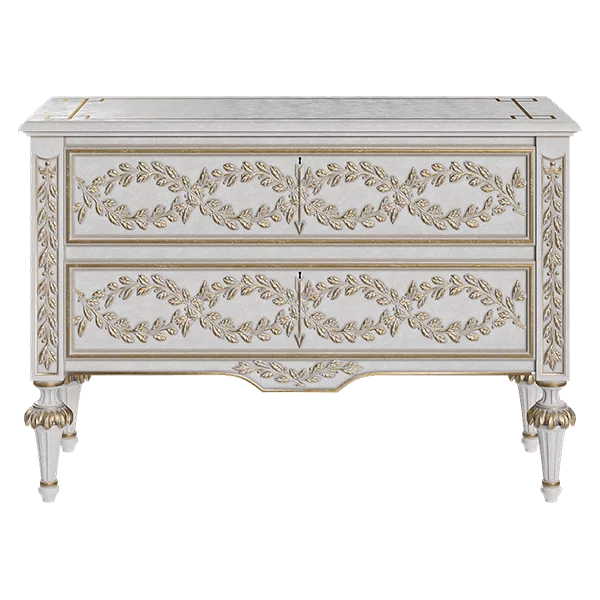
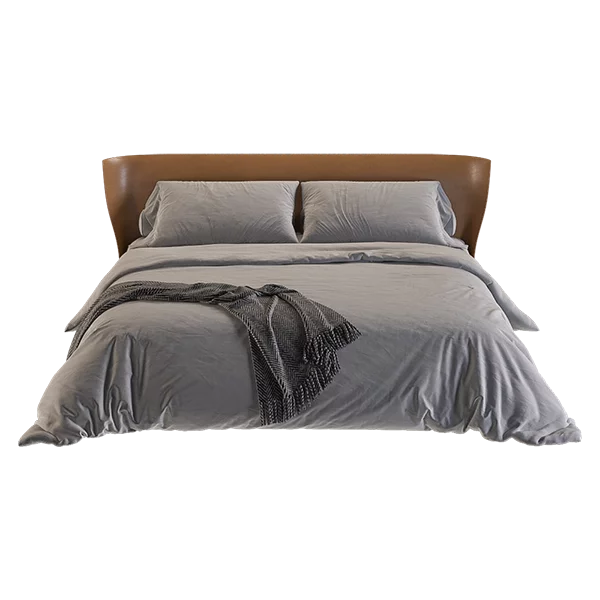
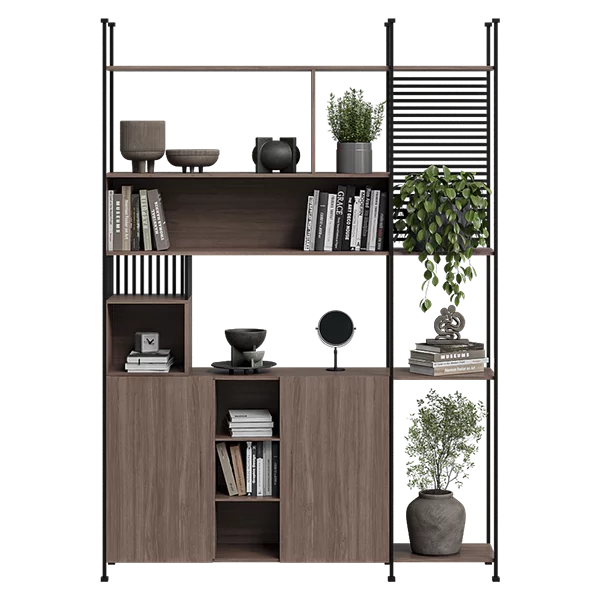
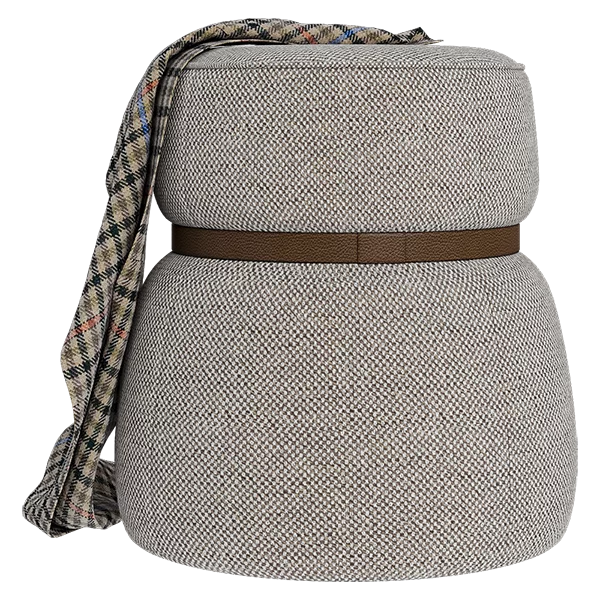
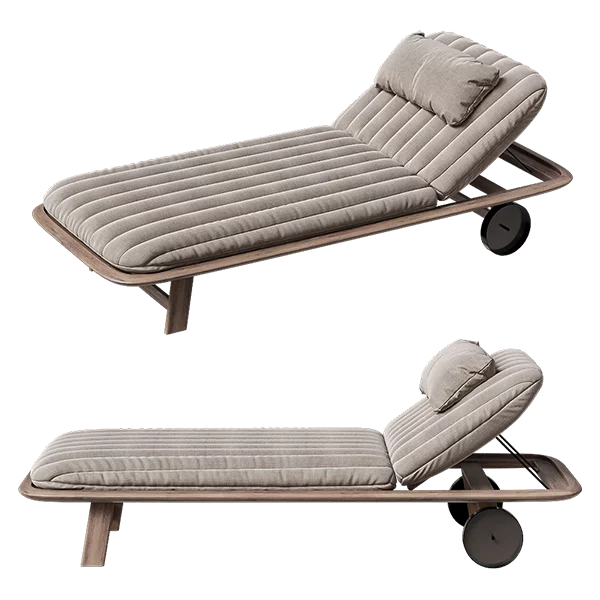
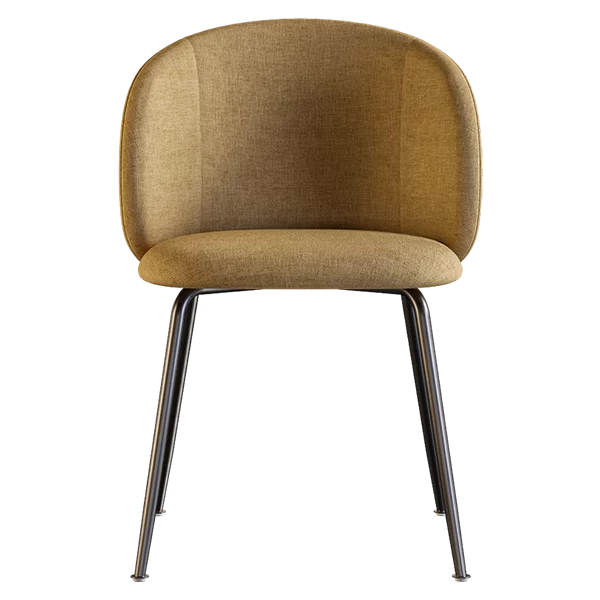
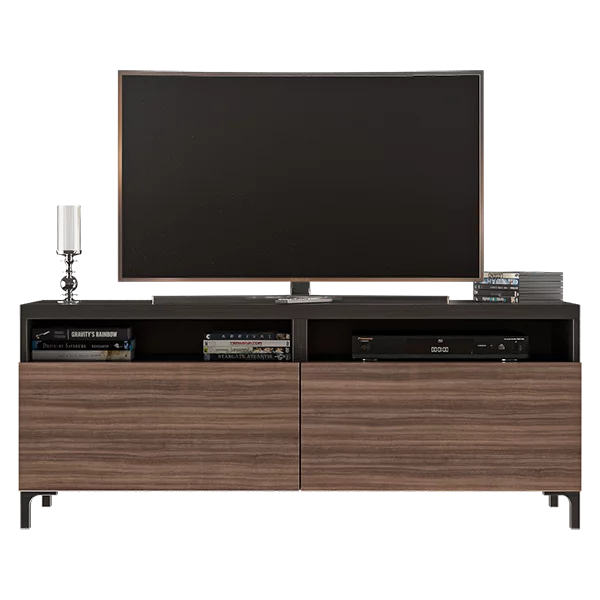
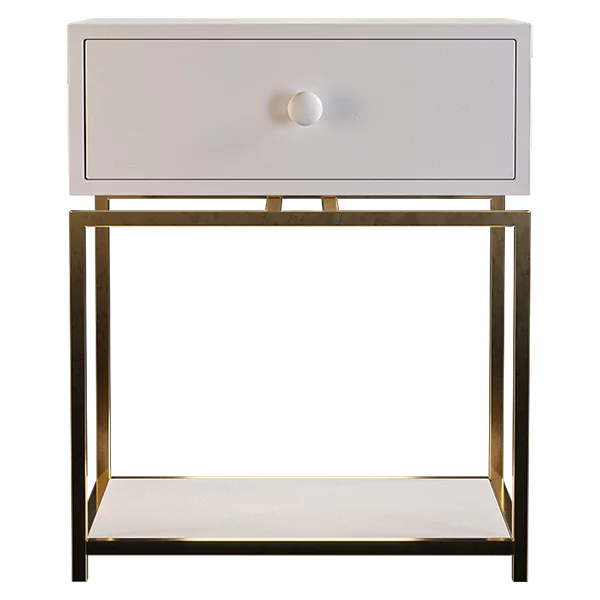
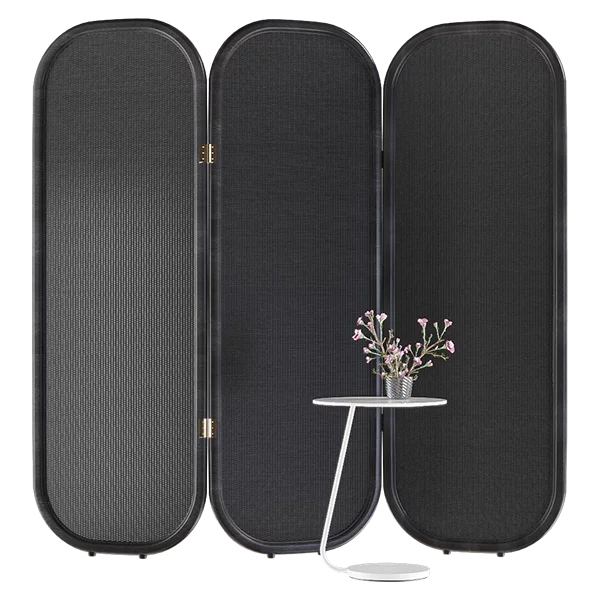
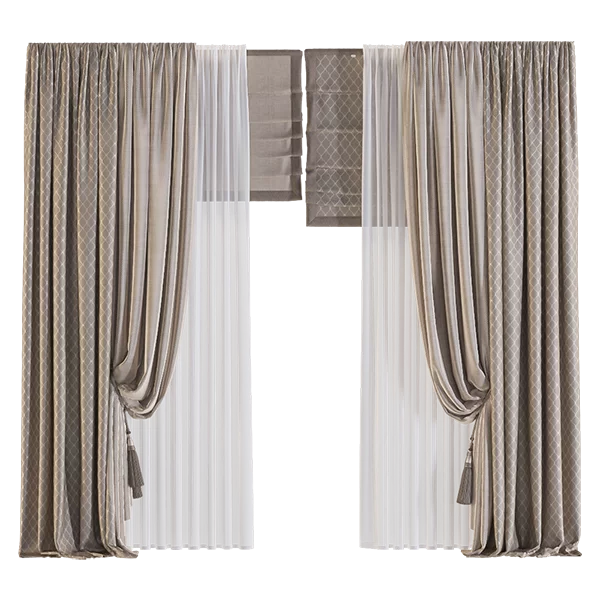
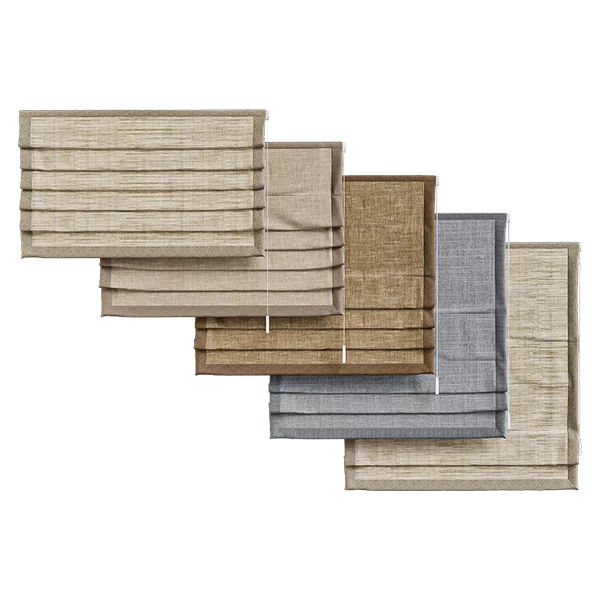
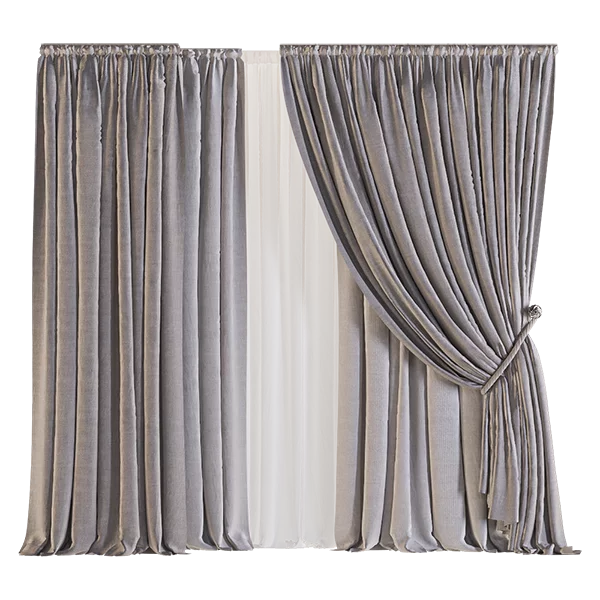
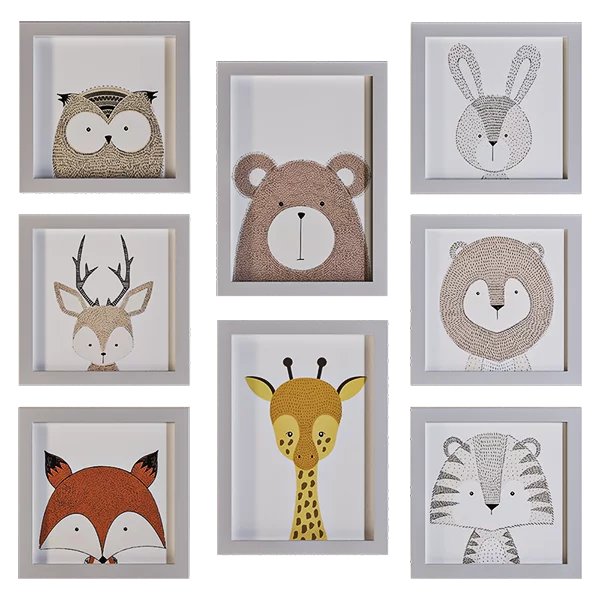
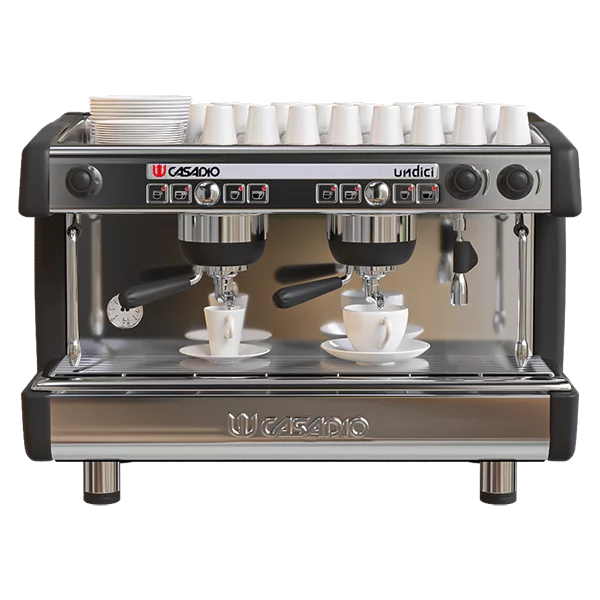
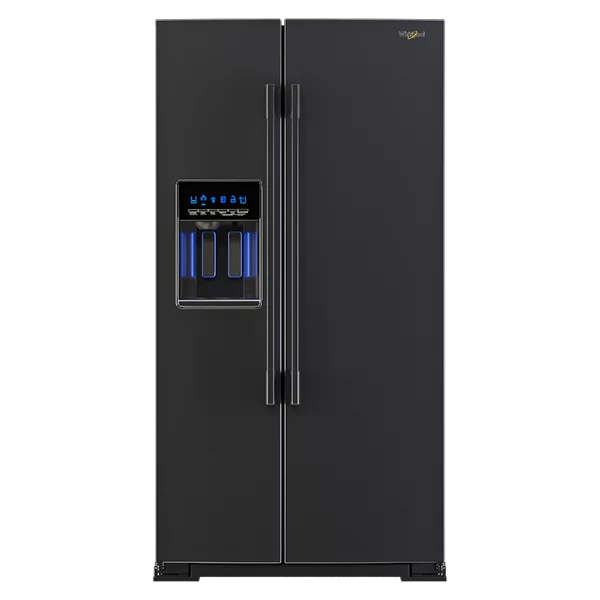
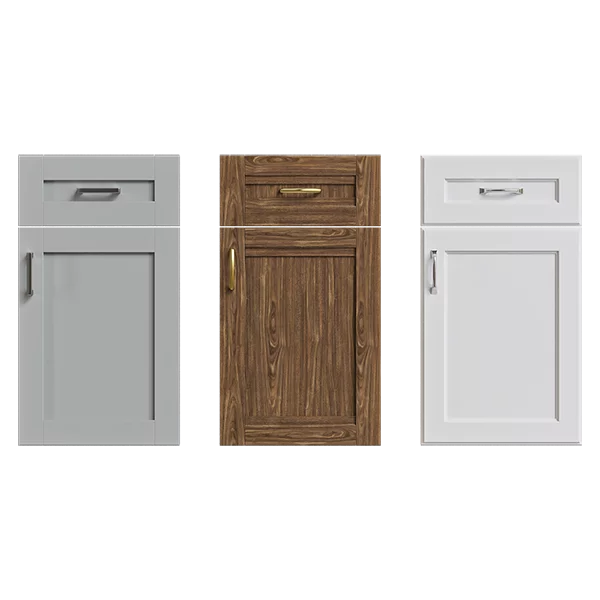
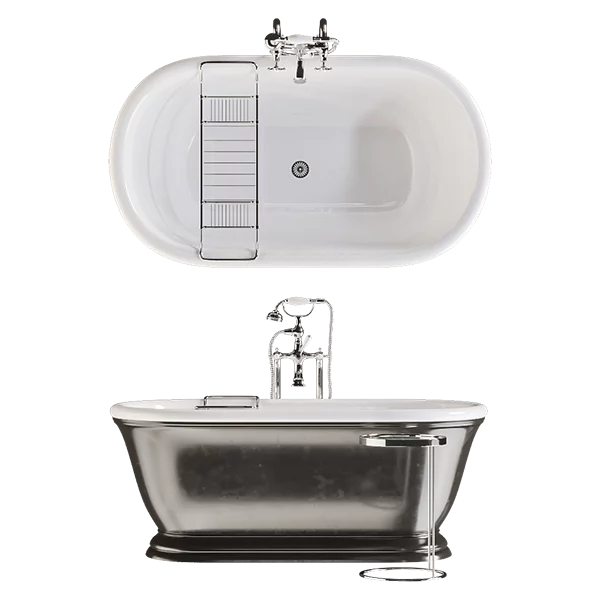
We've added quick buttons under the model thumbnails on the "All Models" page. These buttons contain key functions for working with each model, such as quickly adding to the active selection, adding to favorites, hiding from the general list, and quick loading. Each button has two displays: a black-and-white one for inactive and a colored one for active. For the "Quick Load" button, the active state means the model has already been loaded.
Also, the preview thumbnail contains buttons: Like, Search similar models, Search for the real manufacturer, and using Yandex.


